
1
/
1
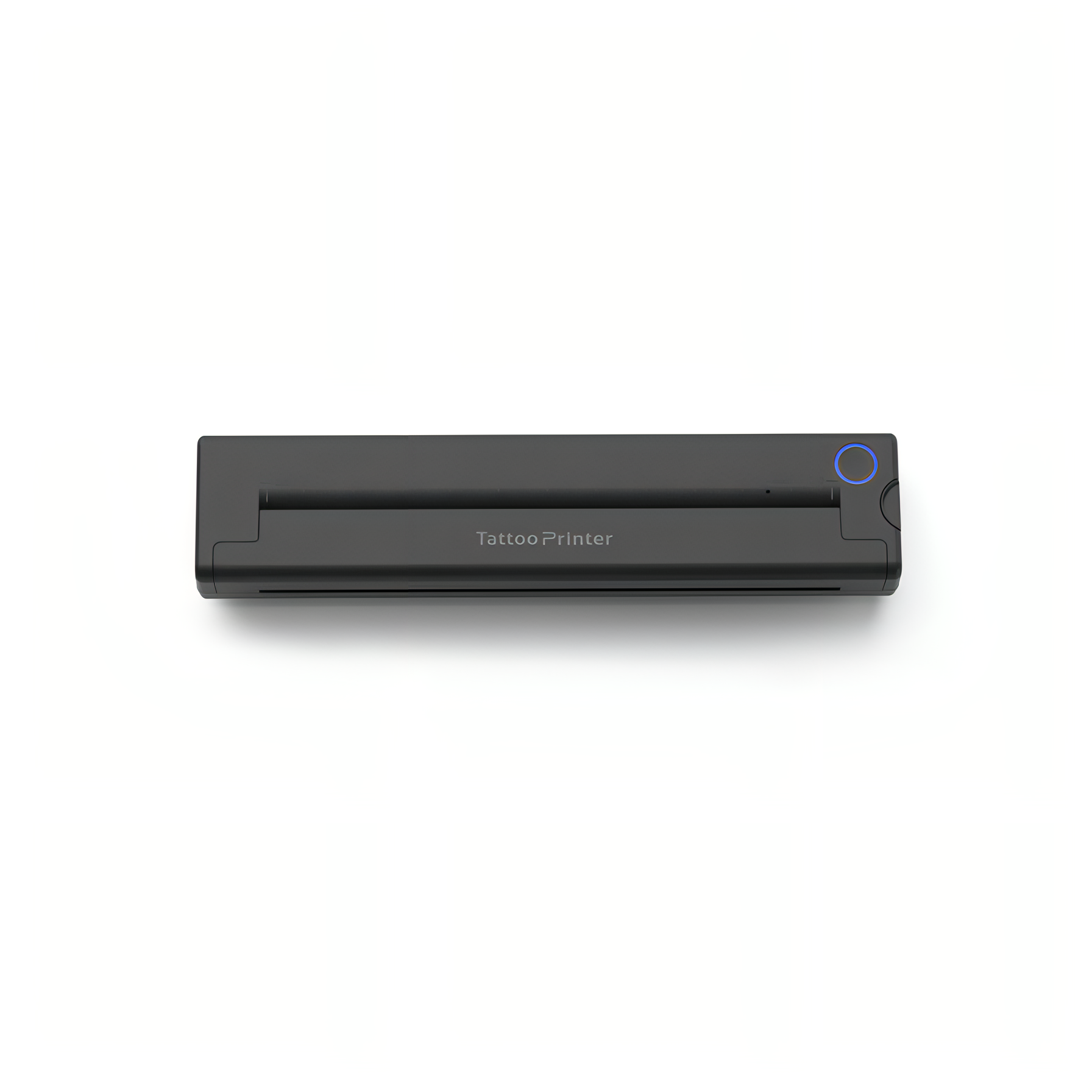
Fenzora Tattoo Printer
$243.00 AUD
$356.00 AUD
Quantity
6 Features

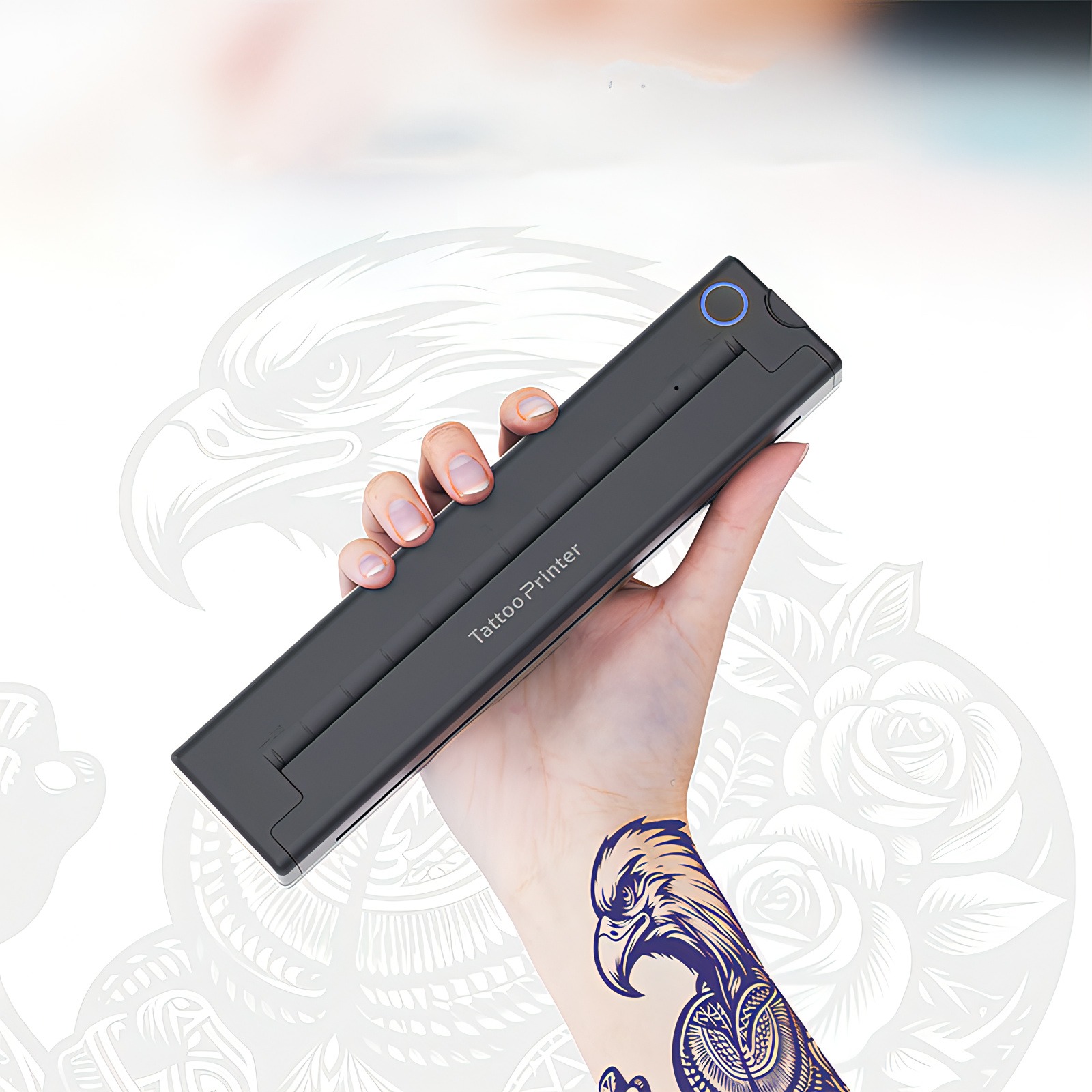
High-Resolution Printing

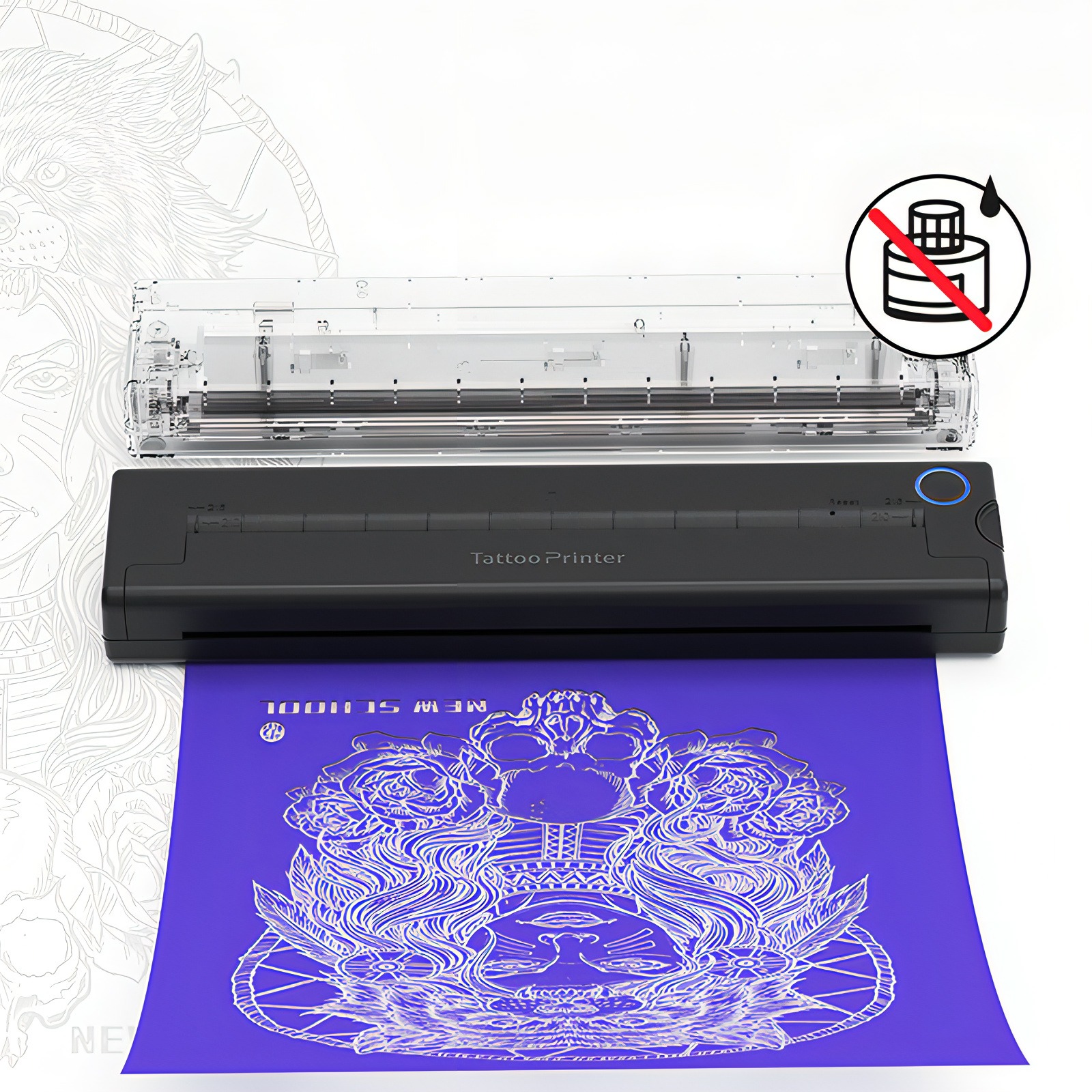
Inkless Printing

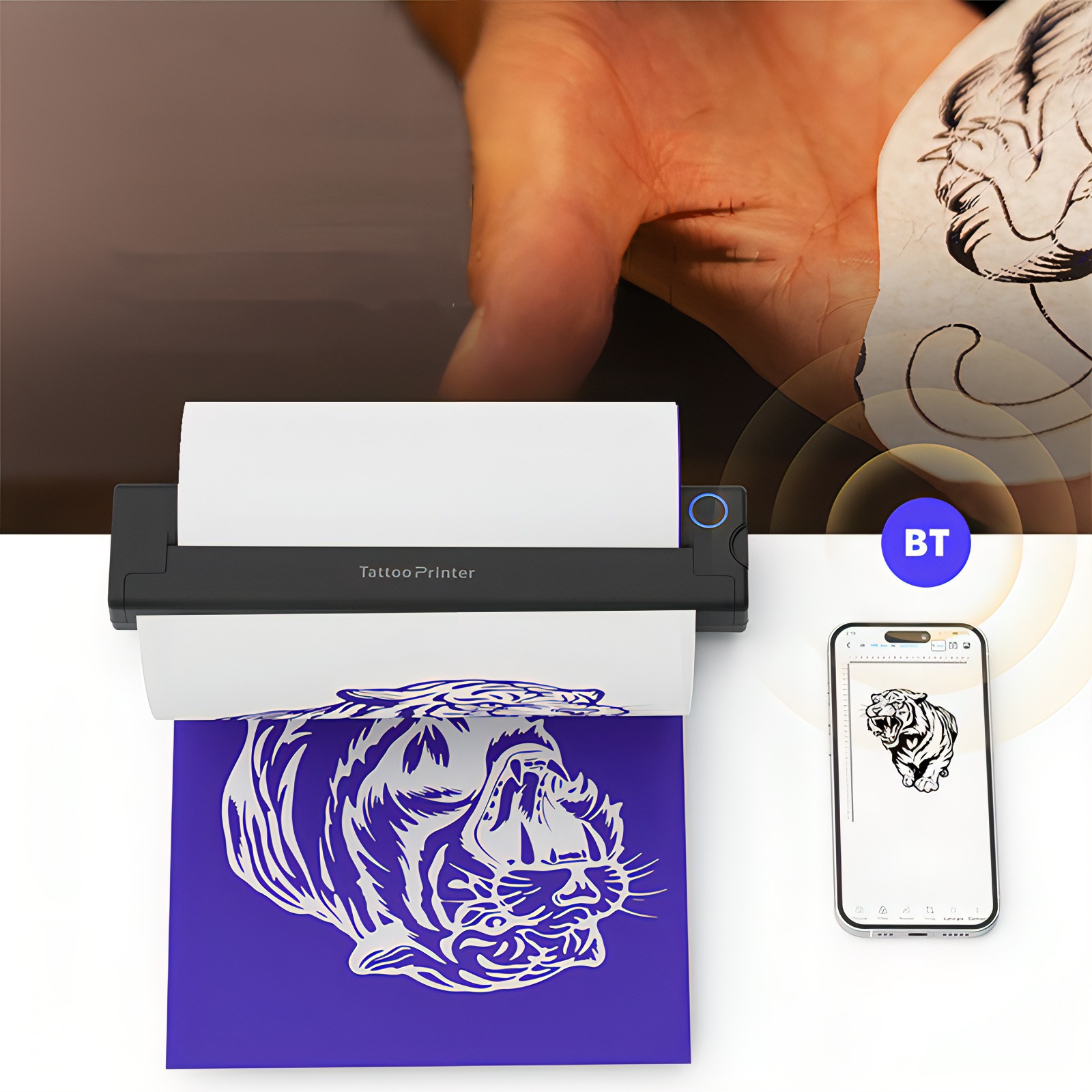
Bluetooth Connectivity

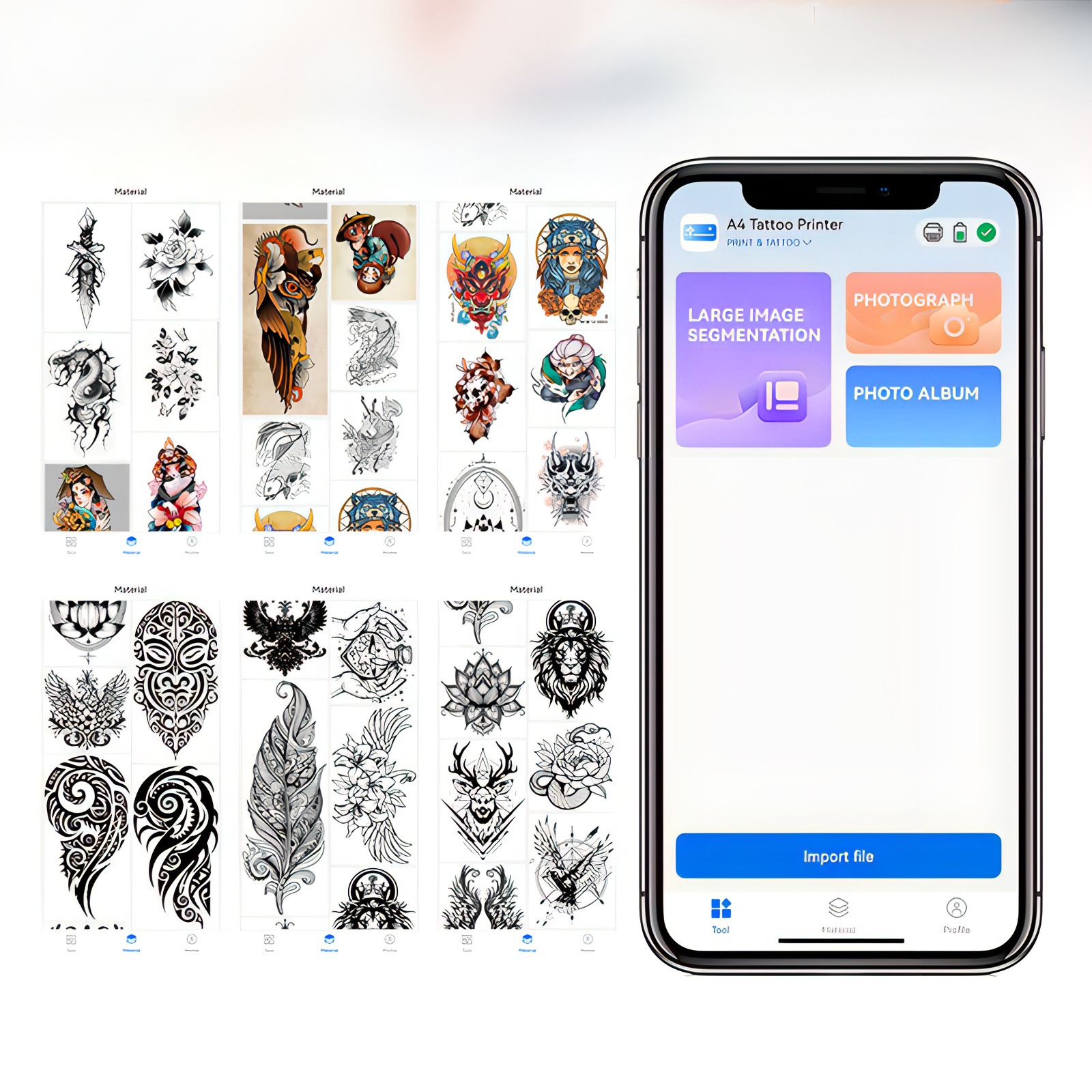
Design Editing

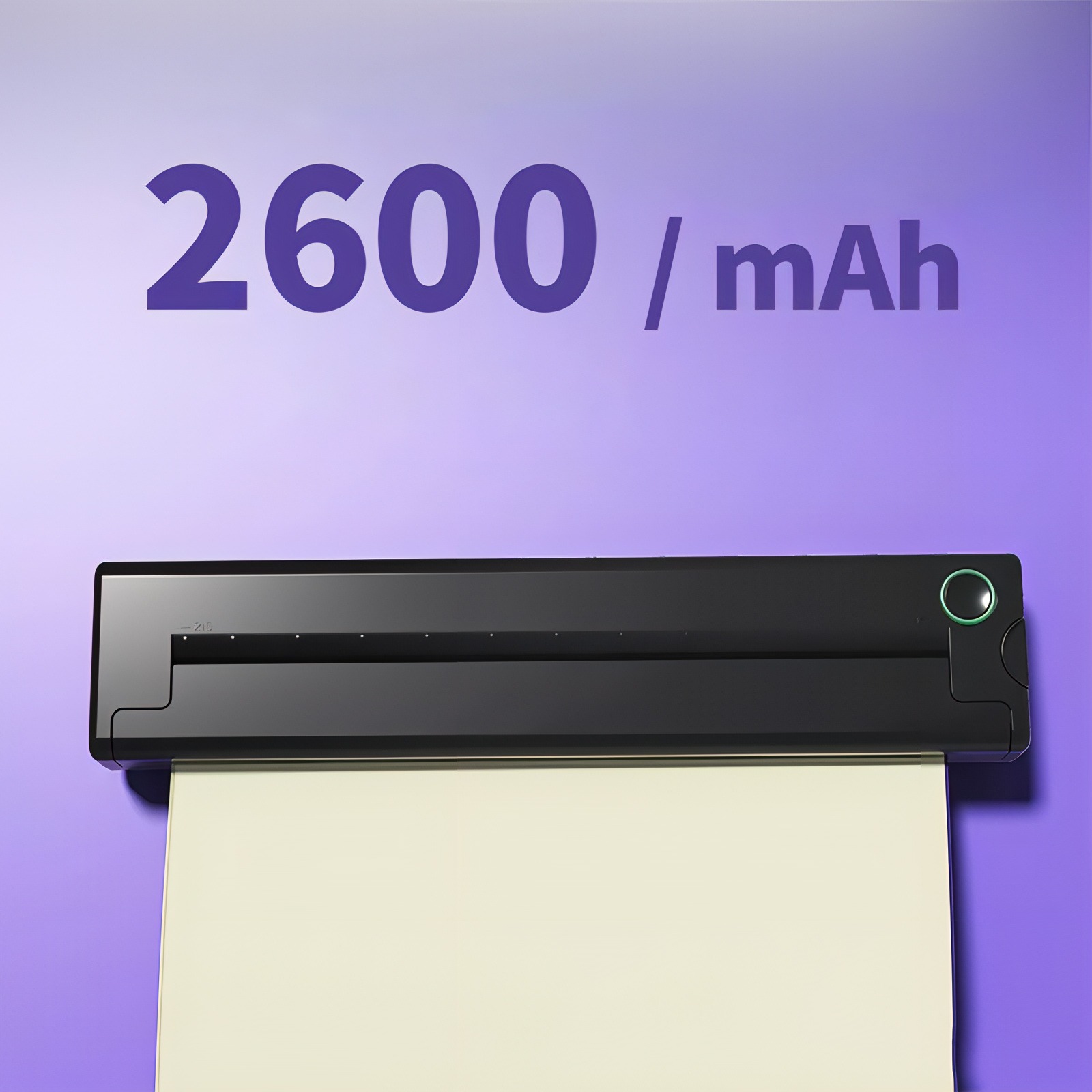
Long-Lasting Battery

Lightweight Design
High-Resolution Printing
Inkless Printing
Bluetooth Connectivity
Design Editing
Long-Lasting Battery
Lightweight Design
How to Use
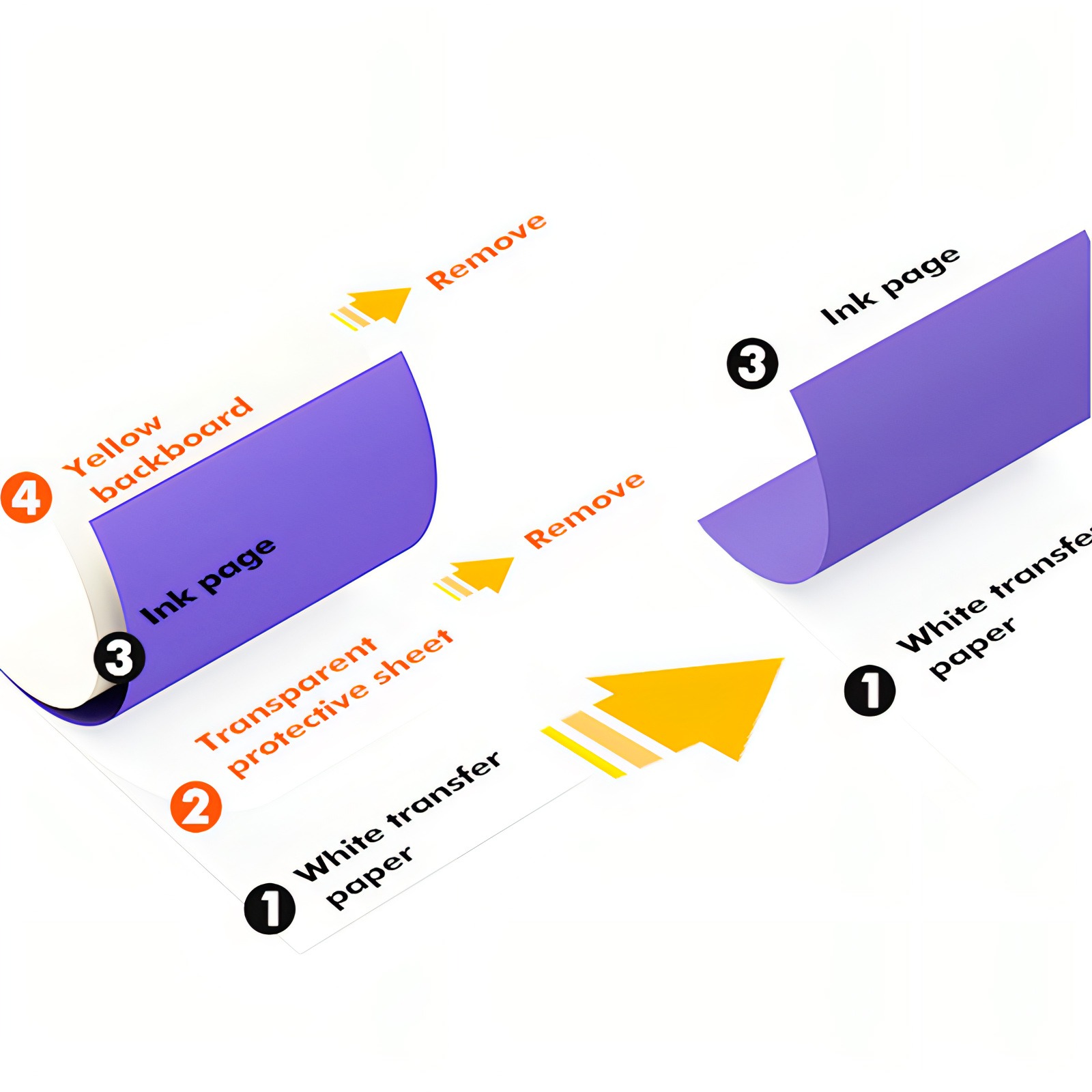
Step 1
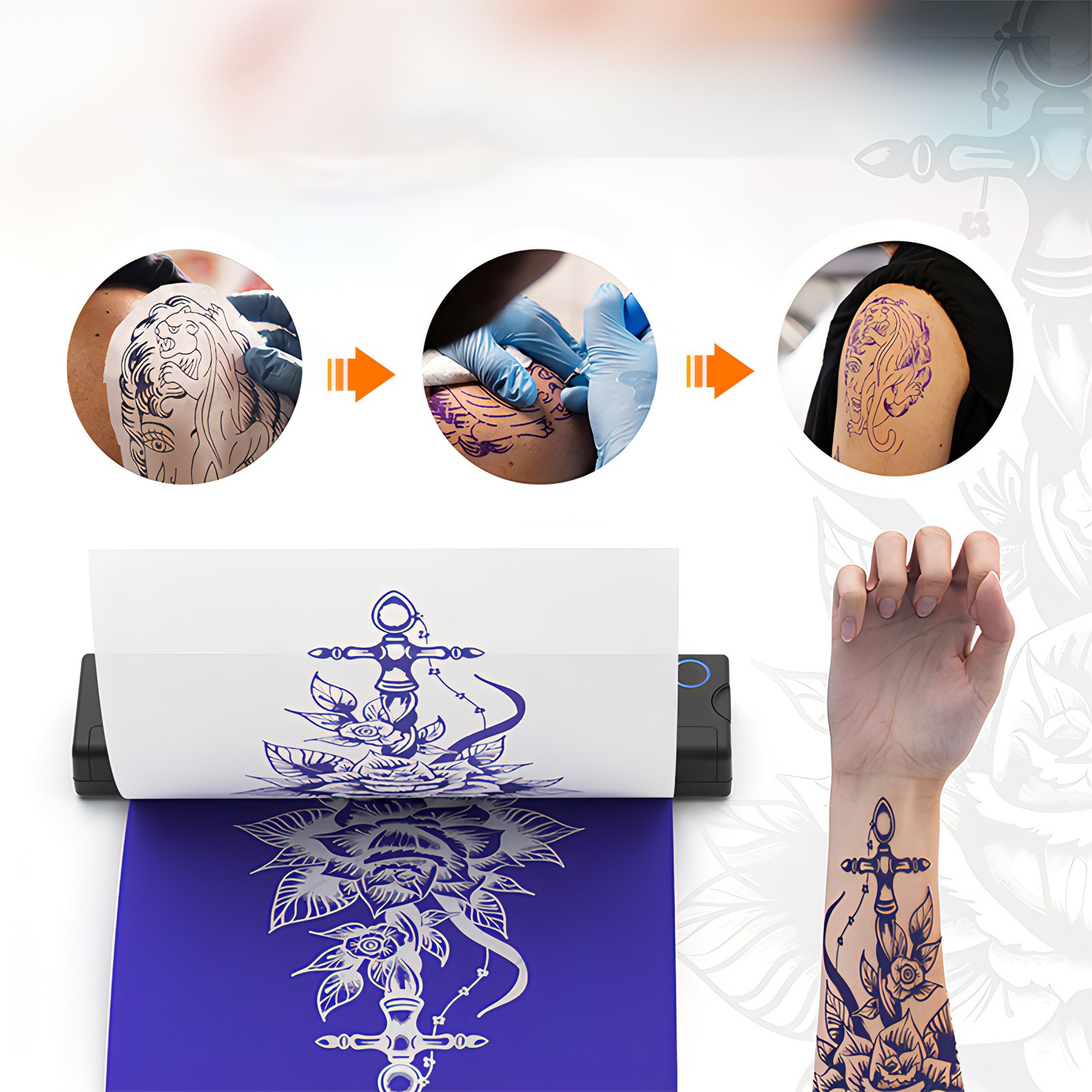
Remove the transparent protective sheet and yellow backing sheet, leaving the white transfer sheet and carbon transfer layer.
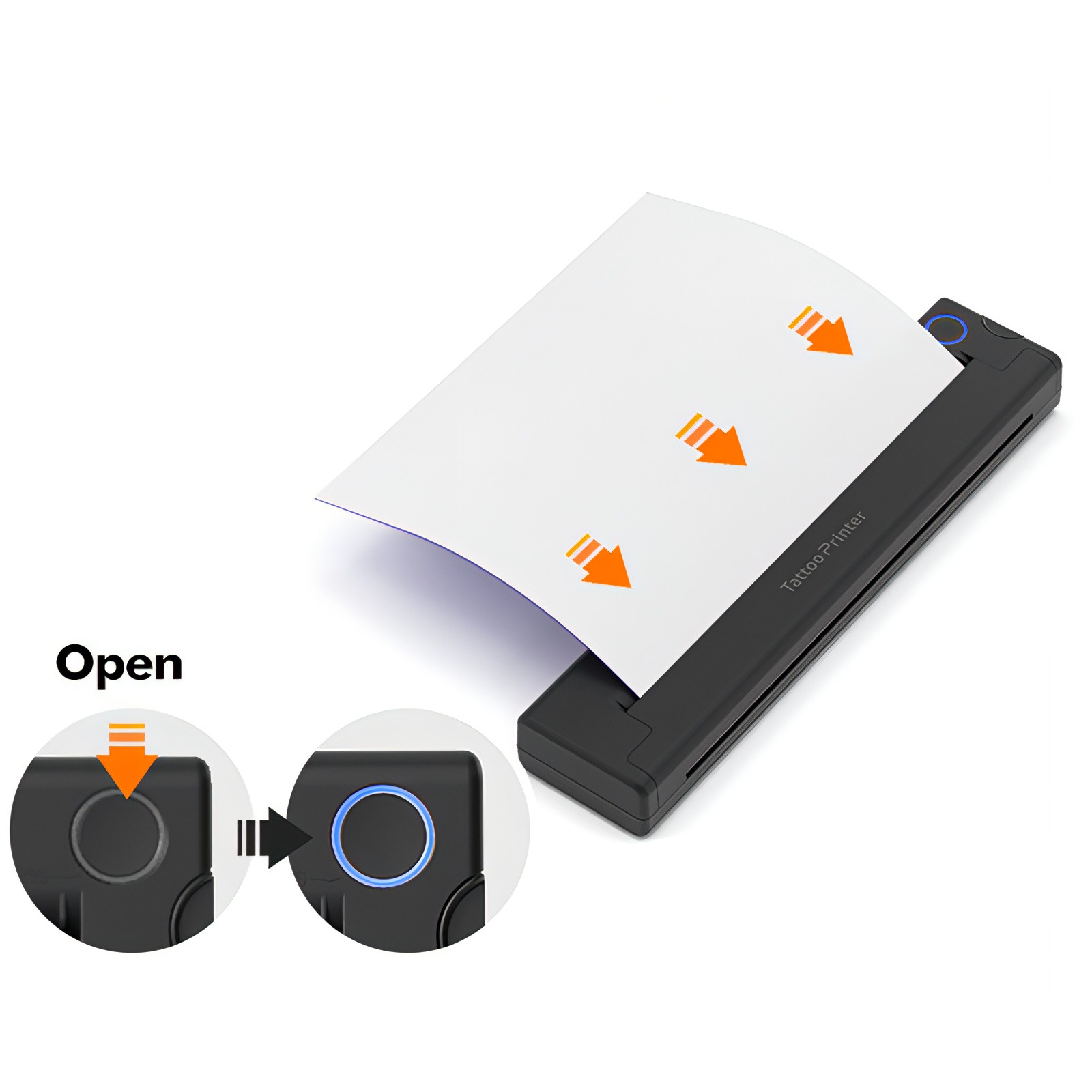
Step 2
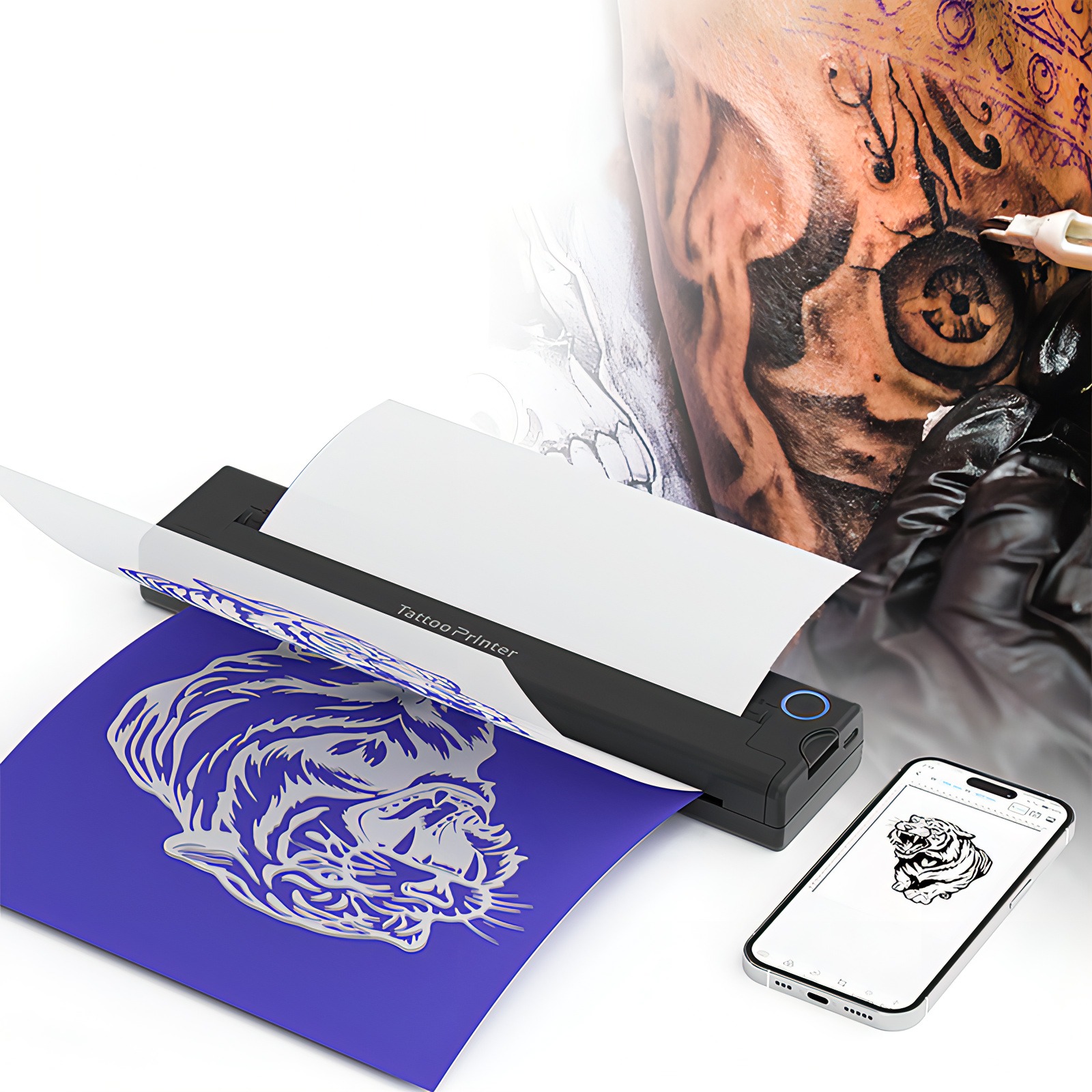
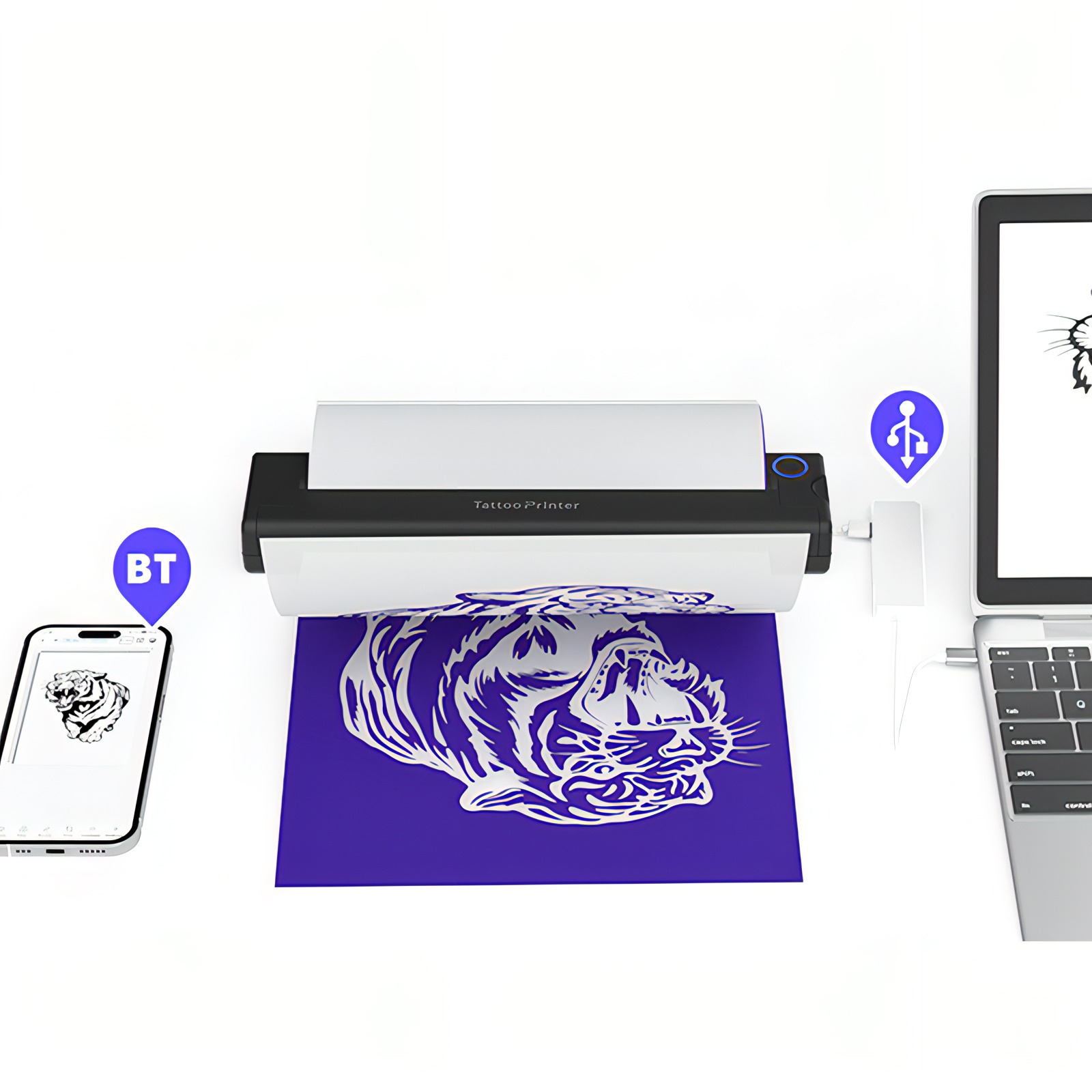
Turn on the printer and insert the white transfer sheet with the carbon transfer layer, keeping the white sheet facing up.
Step 3
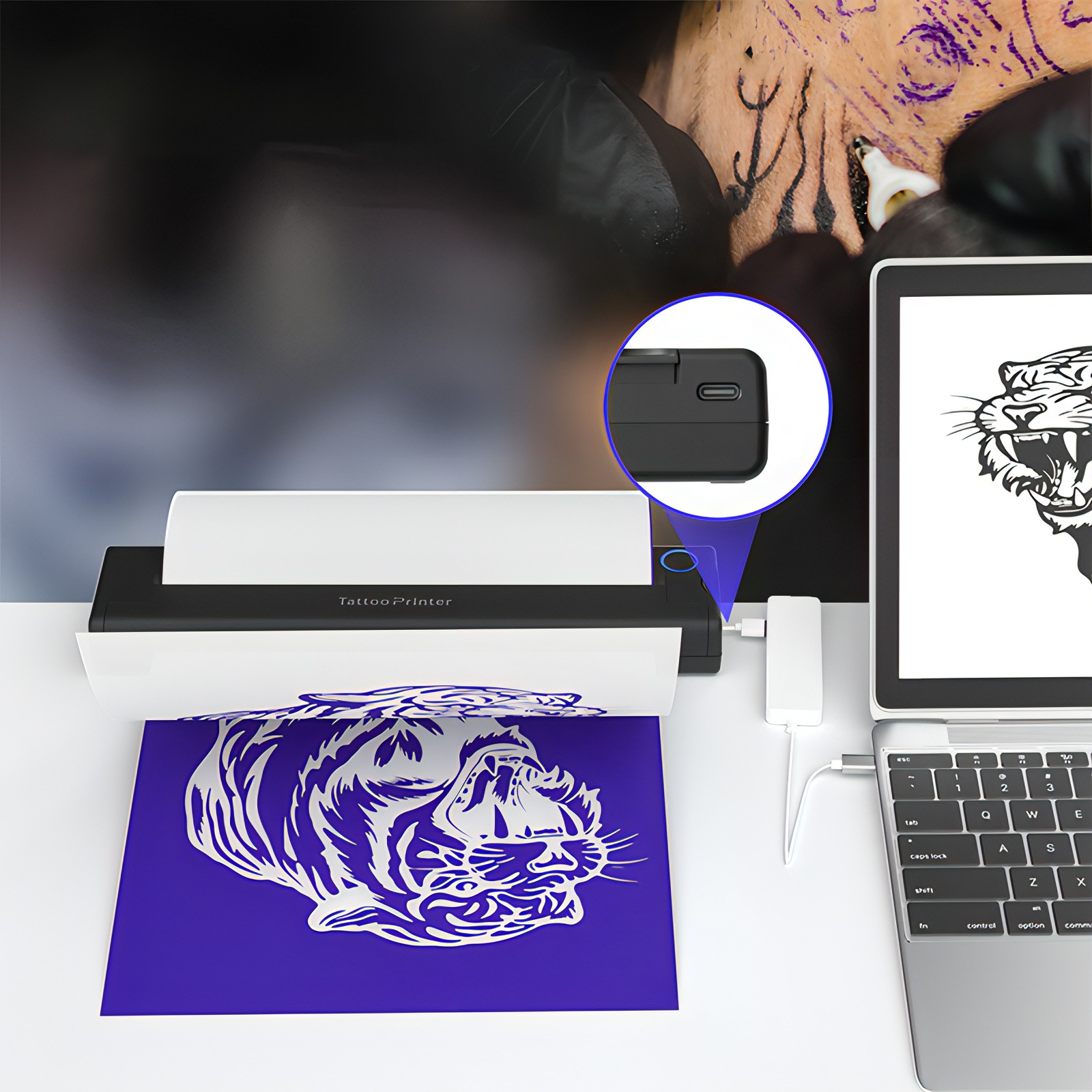
Download the app and connect a phone via Bluetooth, or connect a compatible computer via USB-C, then select and print the design.
Step 4
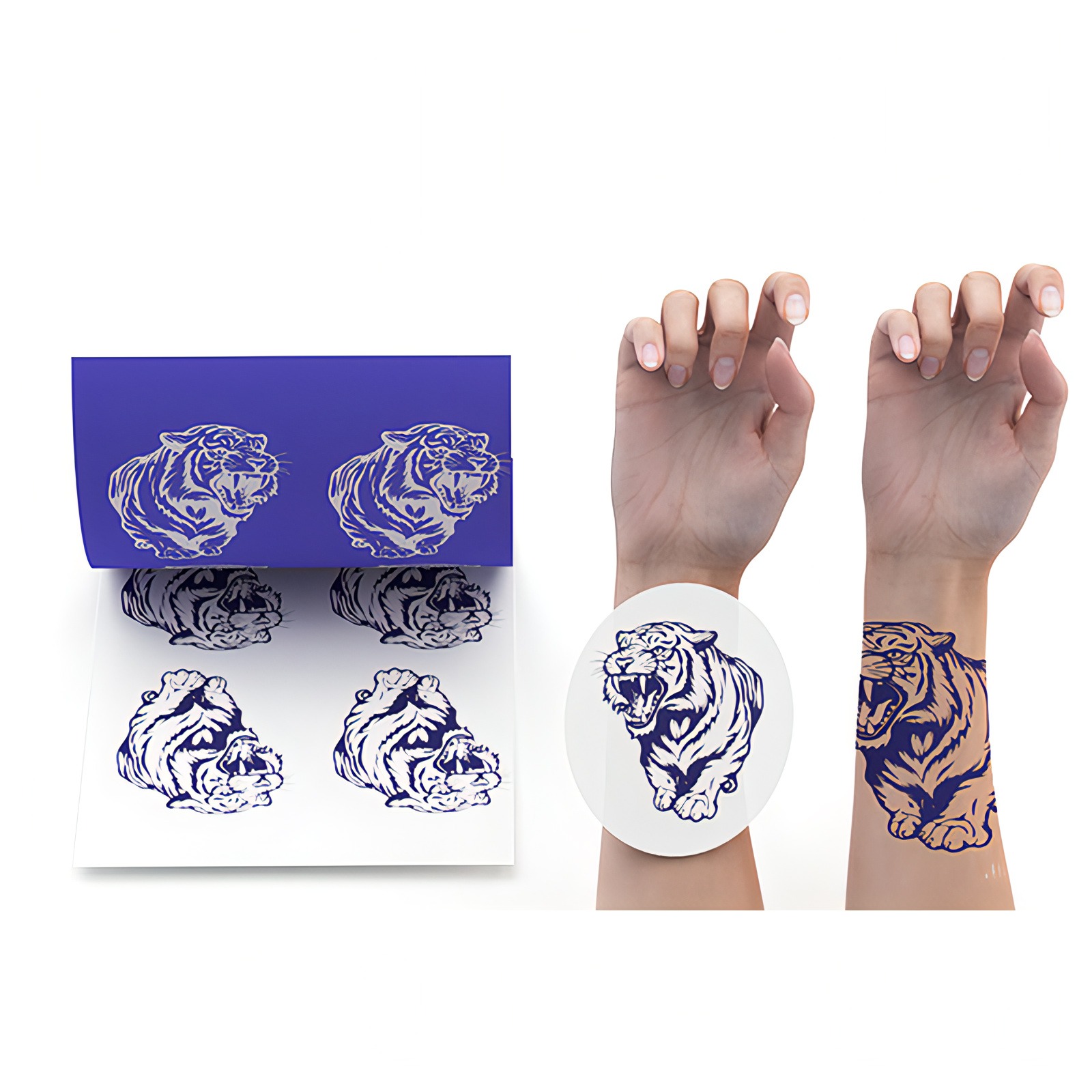
Cut out the printed stencil and use stencil transfer gel to apply the design to the skin.
Step 1
Remove the transparent protective sheet and yellow backing sheet, leaving the white transfer sheet and carbon transfer layer.
Step 2
Turn on the printer and insert the white transfer sheet with the carbon transfer layer, keeping the white sheet facing up.
Step 3
Download the app and connect a phone via Bluetooth, or connect a compatible computer via USB-C, then select and print the design.
Step 4
Cut out the printed stencil and use stencil transfer gel to apply the design to the skin.
Package Contents
Tattoo Printer
× 1
Tattoo Transfer Paper
× 10
USB Cable
× 1
Specifications
Dimensions
266 × 59 × 30 mm
Weight
497 g
Print Type
Thermal Transfer Printing
Print Speed
10 mm/s
Tattoo Paper Size
297 × 210 mm / 216 × 279 mm
Charging Voltage
DC 5 V / 2 A
Battery Capacity
2600 mAh
Connection Method
Bluetooth / USB-C
App
Luck Jingle